
Share Your NinjaTrader Charts in One Click
Sharing Charts Shouldn't Be This Hard
Too Many Steps
Print Screen → Open Paint → Paste → Save → Open browser → Upload to image sharing service → Copy link.
Zero Organization
Image hosts are a one-way street. Upload, share, forget. Good luck building a library of your best setups.
Screenshots Everywhere
Desktop folders, Downloads, random image hosts. Good luck finding that perfect setup from two weeks ago.
Three Clicks, Zero Friction
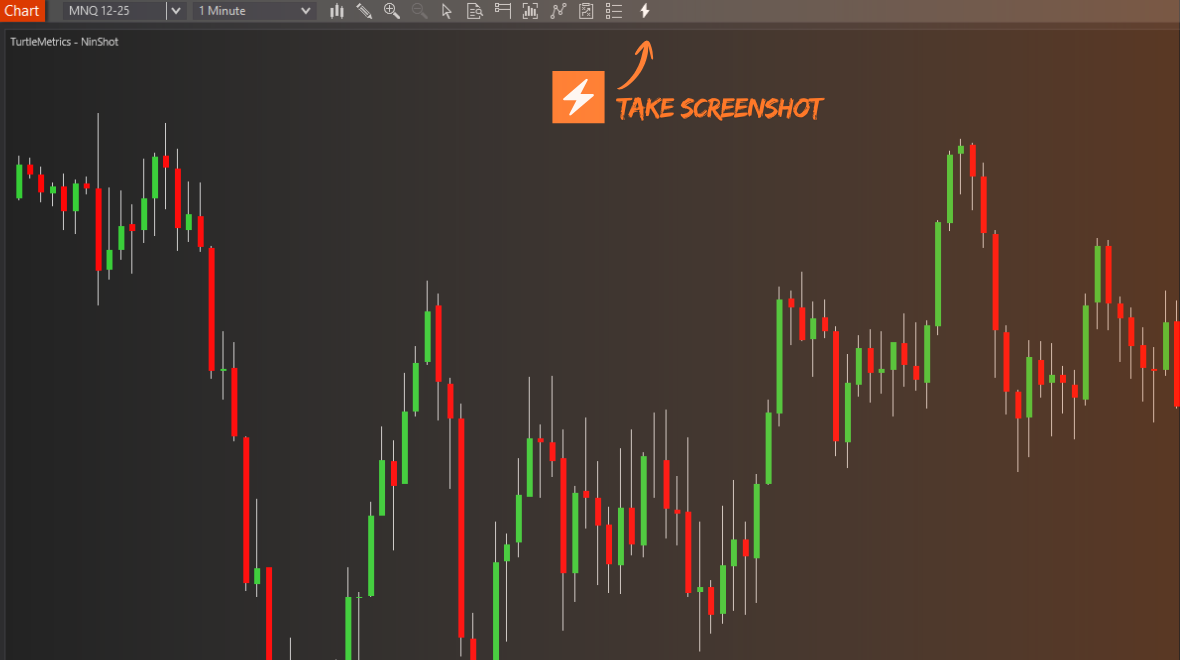
Click the NinShot Button
Right there in your chart toolbar. No hotkeys to remember, no external apps to open.
Link Copied Instantly
Screenshot uploads in the background. Clean URL lands in your clipboard automatically.
Share Anywhere
Paste in Discord, Twitter, trading groups, or send to your mentor. Rich previews included.
Your Personal Chart Library
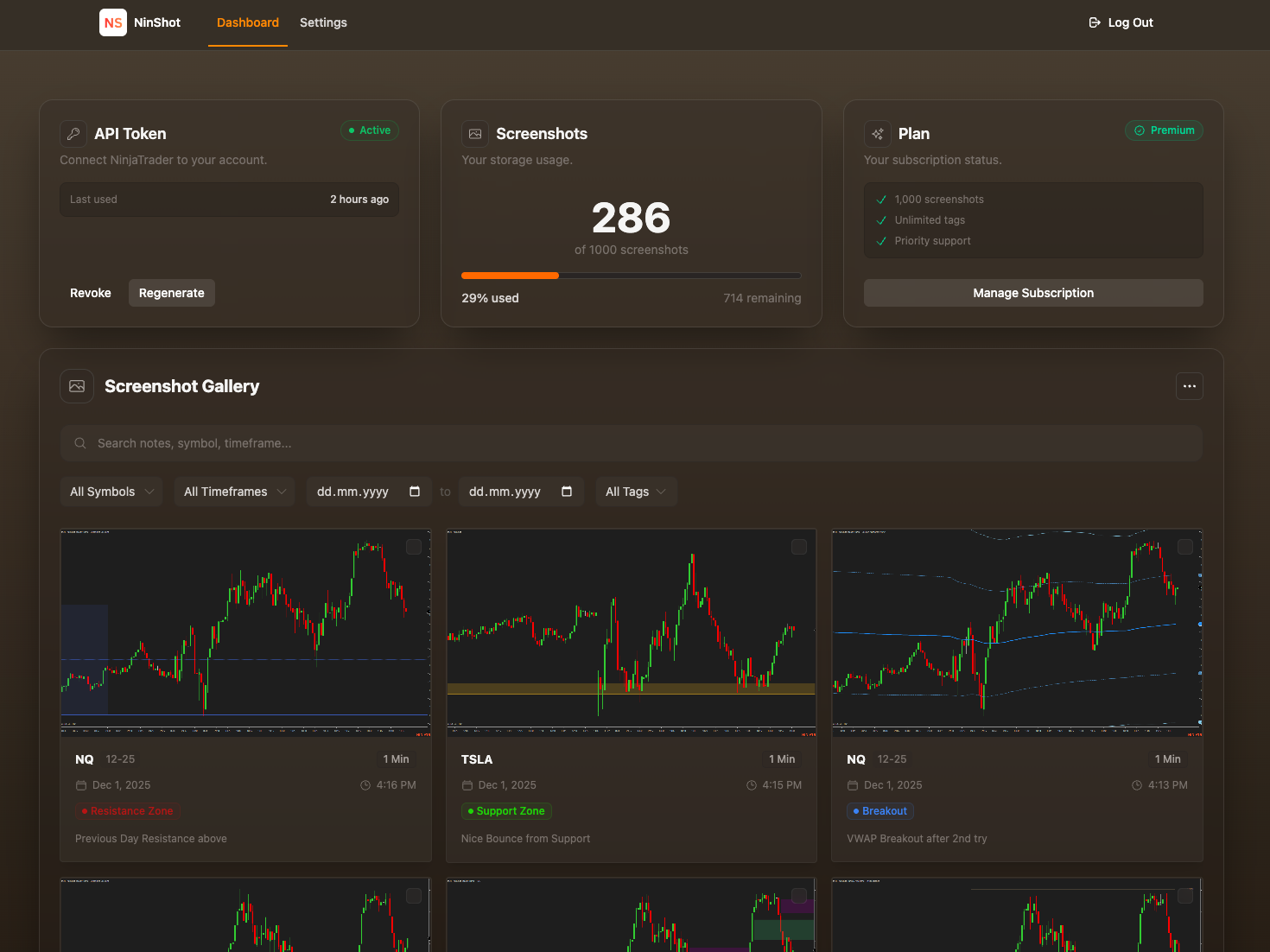
Smart Metadata Capture
Symbol, timeframe, and timestamp captured automatically from your charts.
Tag & Add Notes
Create custom tags like "Breakout" or "A+ Setup". Document your reasoning.
Search & Filter
Find any screenshot by symbol, timeframe, date, or tags instantly.
Share Your Analysis
-
Instant NinjaTrader Sync
Custom indicator lives in your toolbar. One click does it all.
-
Clean, Professional Links
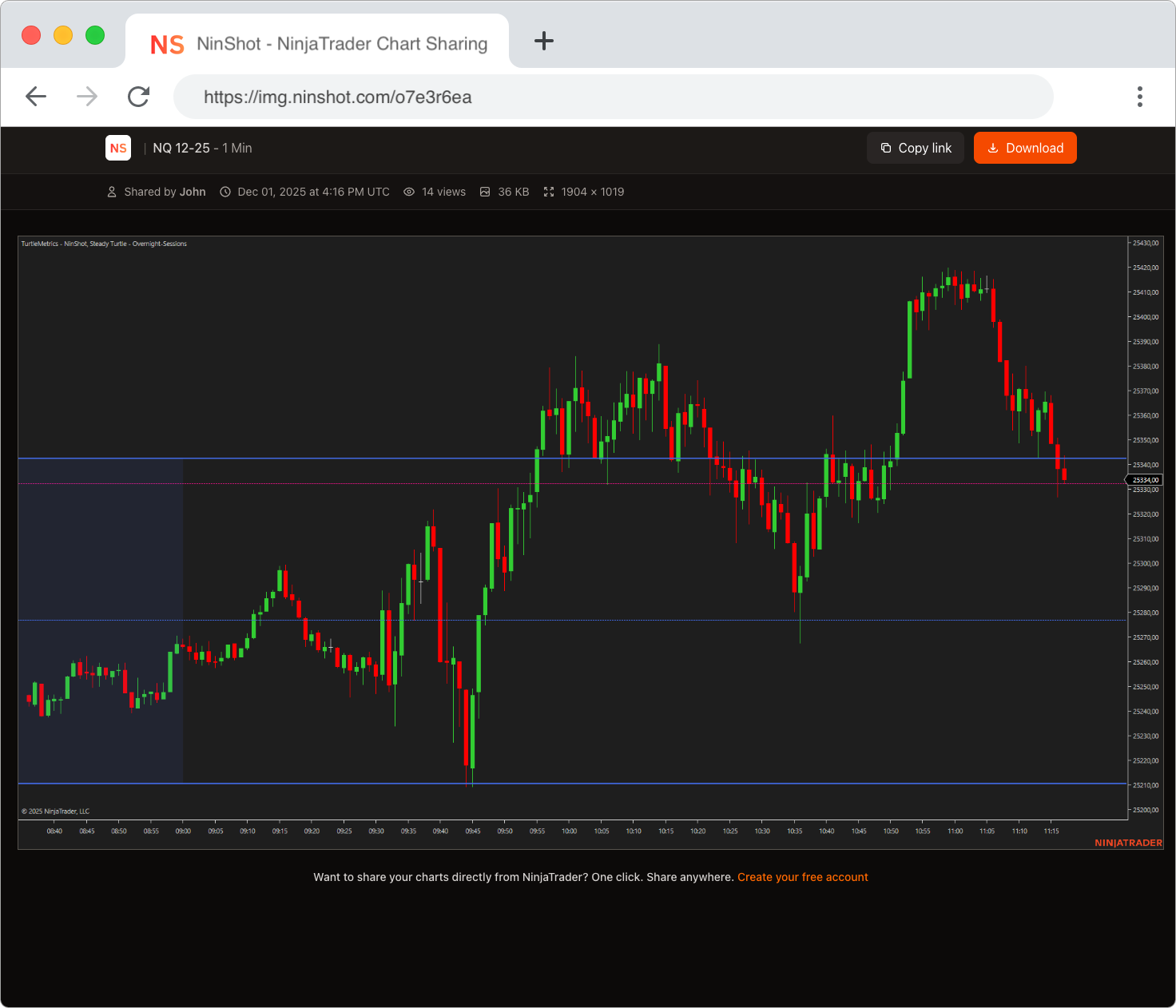
Beautiful share pages with symbol, timeframe, and timestamp.
-
Rich Social Embeds
Auto-generated previews for Discord, Twitter, and more.
Start Free. Upgrade When Ready.
No credit card required for free plan. Upgrade or downgrade anytime.
Free
- 30 screenshots
- Basic tagging & notes
- Public sharing
- Basic support
Premium
or $90 / year
- 1,000 screenshots
- Full tagging & notes
- Public sharing
- Priority support
- Coming soon: Advanced features
Got Questions?
Everything you need to know about NinShot.
Download the indicator from your dashboard, import it into NinjaTrader, add it to any chart, and you're ready to go. Takes less than 2 minutes.
Free users hit 30 screenshots, premium users at 1,000. You'll need to delete old screenshots or upgrade to premium to continue.
Yes. Upgrade to premium instantly. Downgrade at the end of your billing period. No penalties.
No. Your screenshots stay available as long as your account is active and within your plan limits.
Currently all screenshots are public via share link (only those with the link can view). Private sharing may come later.
No. NinShot is an independent tool built by traders, for traders. It integrates with NinjaTrader via a custom indicator.
Join NinjaTrader traders who share their charts the smart way.